
Speech and realtime audio
ASR converts audio to text; TTS converts text to audio. Synchronous files, asynchronous jobs and realtime sessions use different operations and accounting units.
Choose an interface
Section titled “Choose an interface”| Use case | Interface |
|---|---|
| OpenAI-compatible file transcription | /v1/audio/transcriptions with a supported passthrough or conversion adapter |
| OpenAI-compatible speech synthesis | /v1/audio/speech, with upstream-compatible voice and output format |
| Native DashScope recognition, synthesis or asynchronous tasks | Matching DashScope surfaces; pair submissions and queries using the supported task protocol |
| Native MiniMax or ElevenLabs | Implemented native interfaces and provider request formats |
| Realtime recognition or synthesis | Supported native DashScope / ElevenLabs WebSocket paths |
Realtime support does not cover every provider’s speech-to-speech model and does not provide universal OpenAI Realtime conversion.
Configure and verify
Section titled “Configure and verify”- Enable provider audio endpoints and import an ASR or TTS model.
- Choose the adapter for the model family; check file uploads, public audio URL requirements and streaming limits.
- Check accounting units. Recognition can use seconds or tokens; synthesis can use characters or tokens, depending on model configuration.
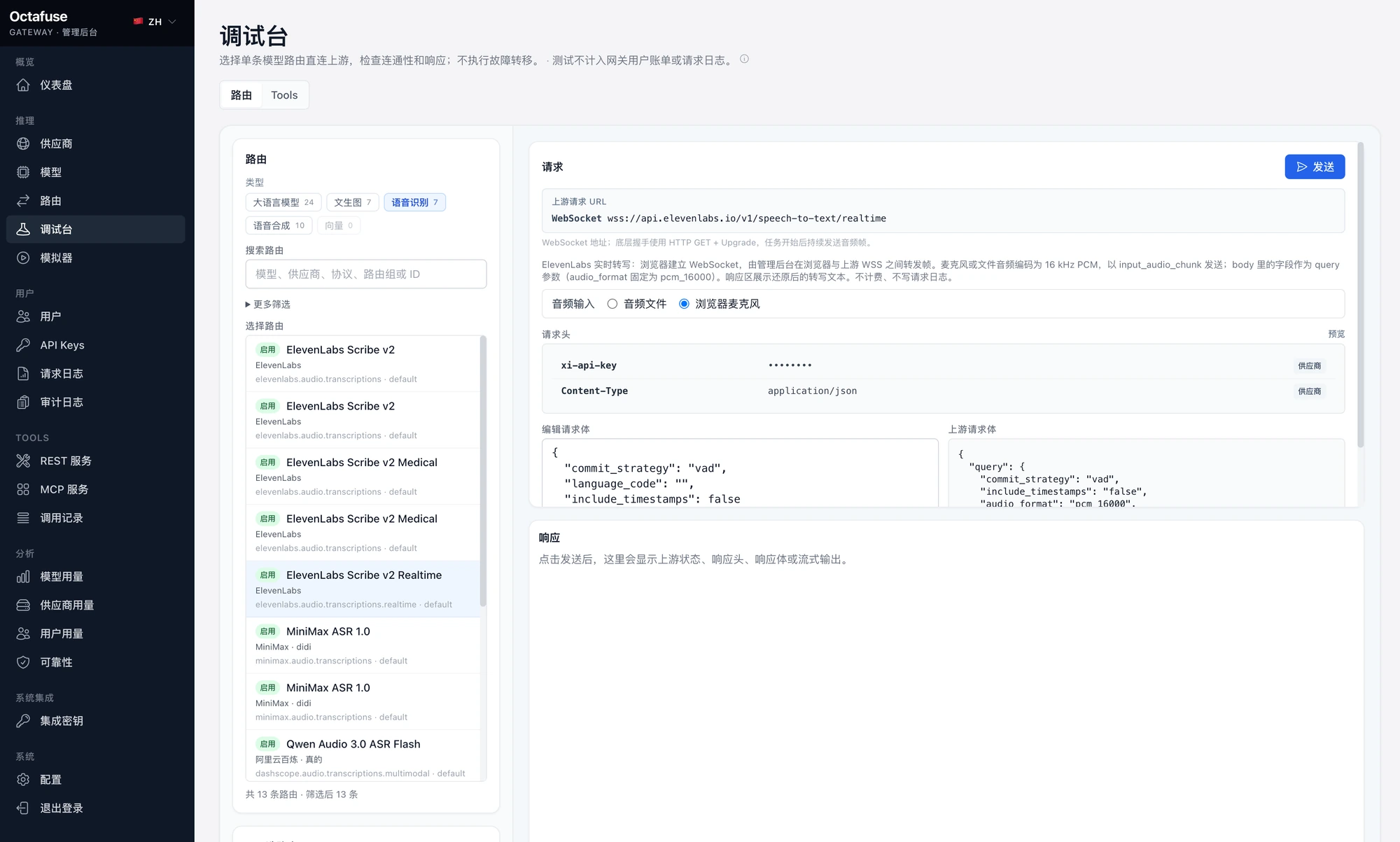
- Probe the response in Playground. Supported realtime ASR can use the browser microphone.
- Use Simulator or a real client to verify authentication, usage, quotas and logs.
Speech synthesis example
Section titled “Speech synthesis example”curl -sS http://localhost:8787/v1/audio/speech \ -H 'Authorization: Bearer sk-your-api-key' \ -H 'Content-Type: application/json' \ -d '{"model":"your-tts-model","input":"Hello, OctaFuse.","voice":"your-voice"}' \ --output speech.mp3Use kind=asr or kind=tts for model listing; kind=audio includes both. A provider offering an operation does not by itself mean the gateway implements it.
Read the coverage matrix and user API for exact operations and fields.