
Models
Open Inference → Models. Models are catalog entries: the client model string is resolved here first, then Routing picks the upstream path. You can create, edit, import presets, and edit tiered pricing; the list surfaces how routes are attached to each model.
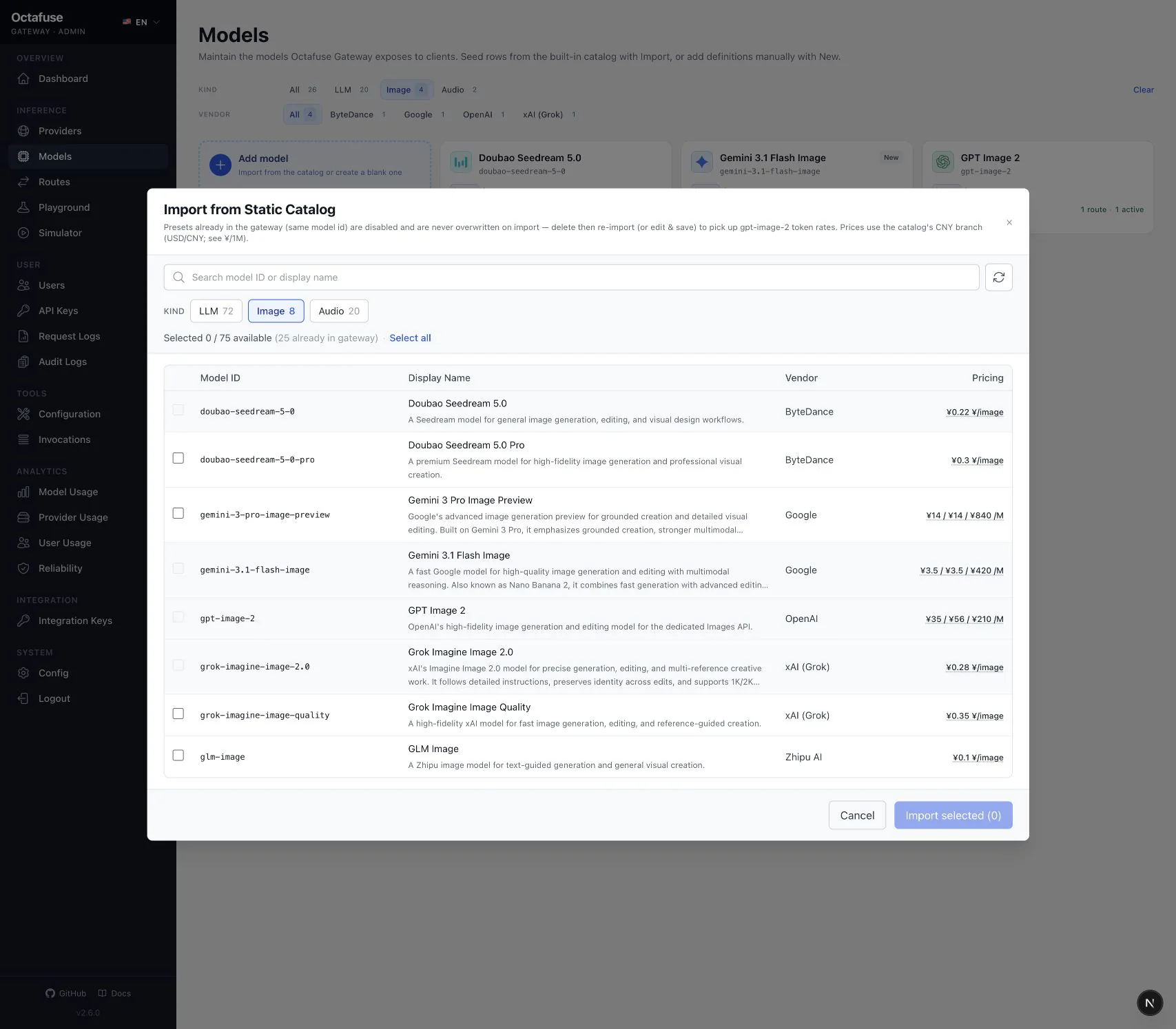
What to do in Admin
Section titled “What to do in Admin”- Open Models.
- Create or edit: set the model id clients and routes will use, display name, vendor, and other form fields (context limits, etc.).
- Import from catalog: bulk pre-fill from the built-in catalog, then review and save.
- Pricing: use the tier editor in the page (currency display follows your global billing currency setting).
- After saving, add at least one active route in Routing or clients cannot resolve the model.
- Capabilities and billing mode: for Images, verify
image_billing_mode(token / per_image); for transcription, verifyaudio_billing_mode(token / per_second). Defaulthash_affinityrouting keeps a stable preferred Provider at protocol granularity.
How clients pass model
Section titled “How clients pass model”Use the base model id, or baseModelId:routeGroup (for example my-model:free). The route group must match what you configured in Admin. Protocol details: GitHub technical reference.
/v1/models vs /catalog/models
Section titled “/v1/models vs /catalog/models”| Endpoint | Auth | Typical use |
|---|---|---|
GET /v1/models | User sk-… | Agents / SDKs; LLMs by default (excludes image, ASR, and TTS). kind=image for image models; kind=audio for ASR and TTS |
GET /catalog/models | None | Public portal discovery; protocols and route groups from active routes |
They are not the same response shape — do not mix them. Image pricing: Image generation / edit.